Step 1
Drop it in.
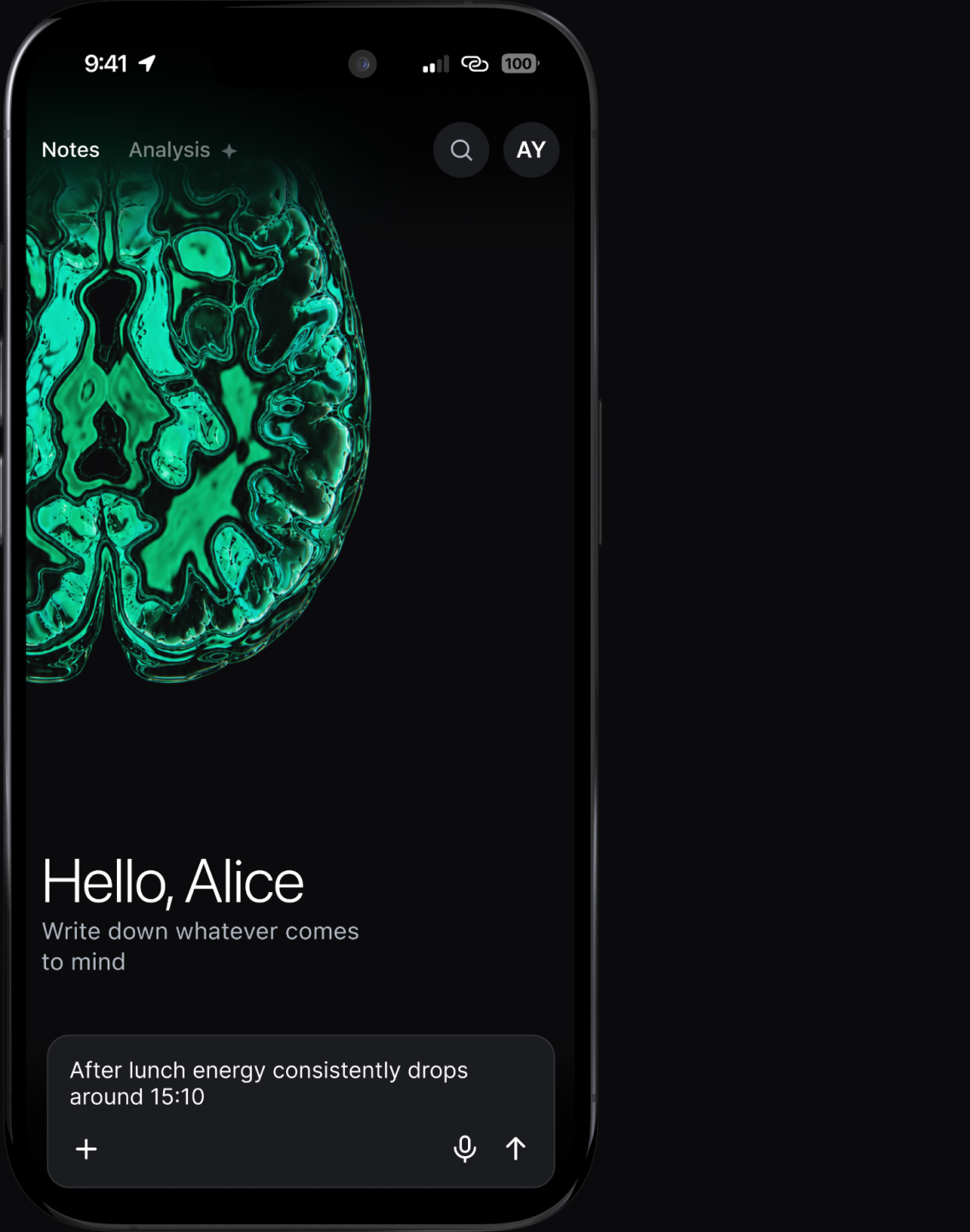
Open Sage and the cursor is already in the input field. Type, hold to record, attach a photo, or share a link from any app. No folder to choose, no title to write.
Sage is a quiet place for your thoughts. Add text, links, dictated notes, photos and files without deciding where they belong. Sage sorts entries into topic threads; tap Analyse whenever you want a new insight.
The problem was never capturing. It's that organising costs you attention exactly when you don't have any.
Open Sage and the cursor is already in the input field. Type, hold to record, attach a photo, or share a link from any app. No folder to choose, no title to write.
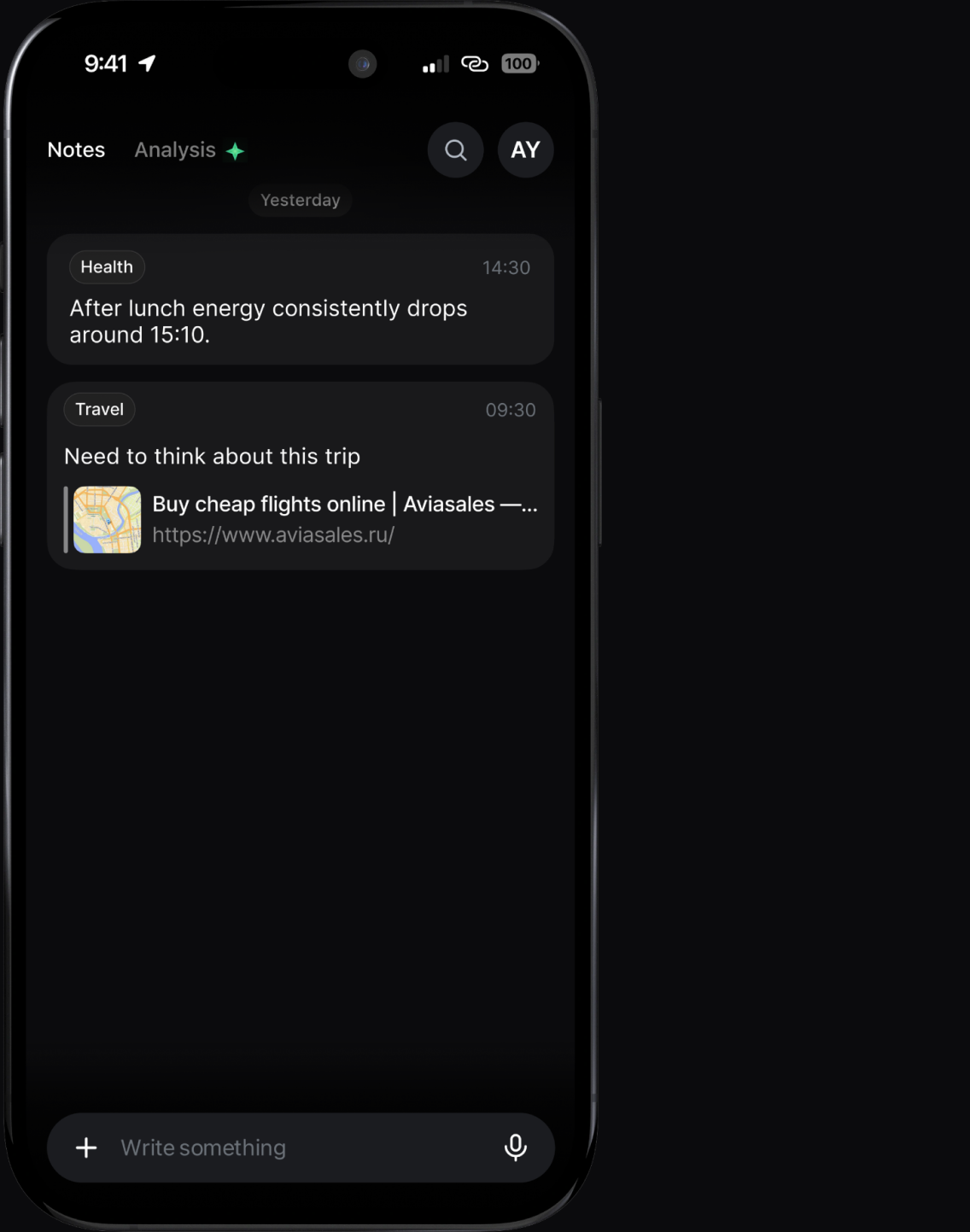
The moment you send something, Sage gives it a category and a tag in the background. Nothing to confirm, nothing to dismiss — you're already back to what you were doing.
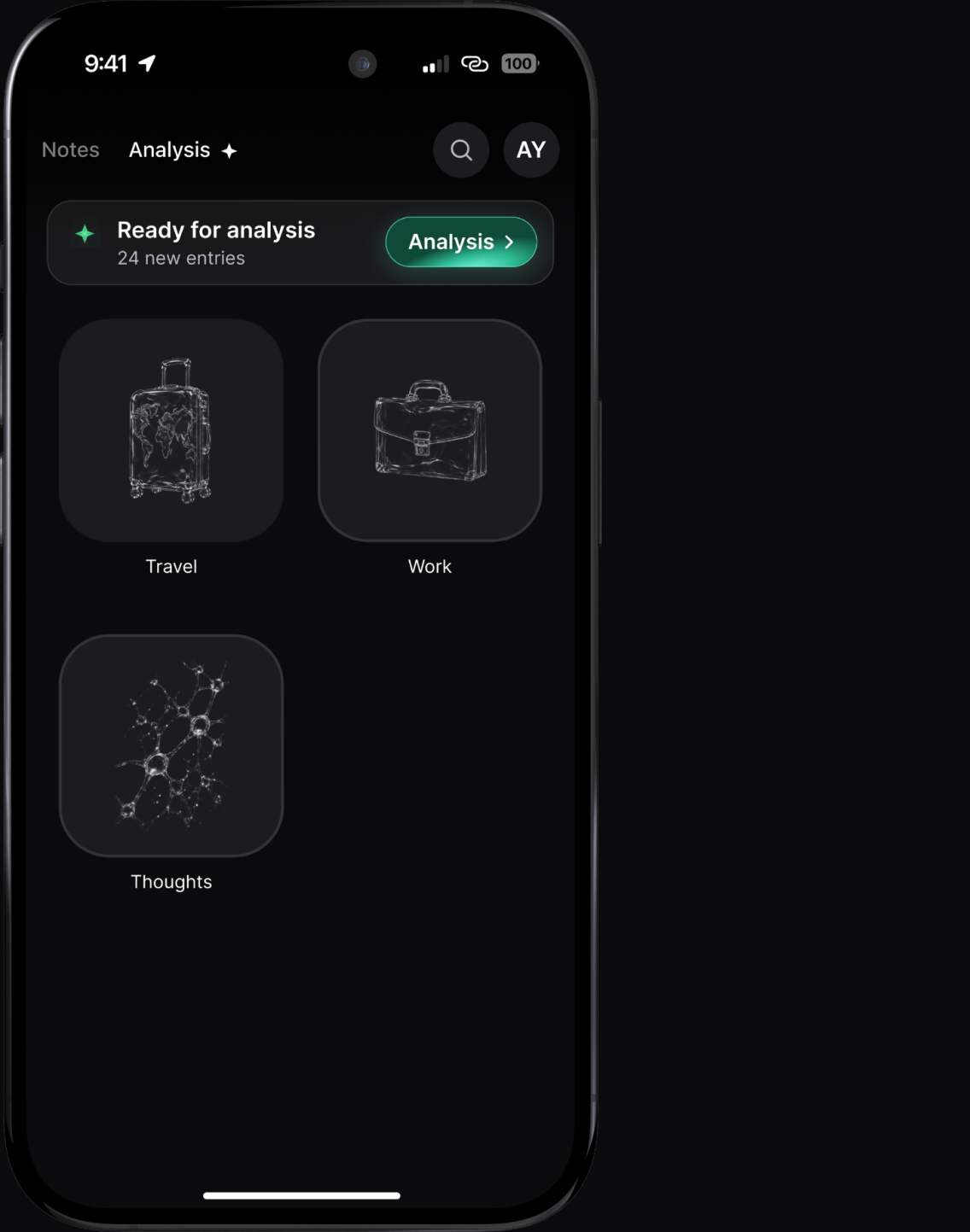
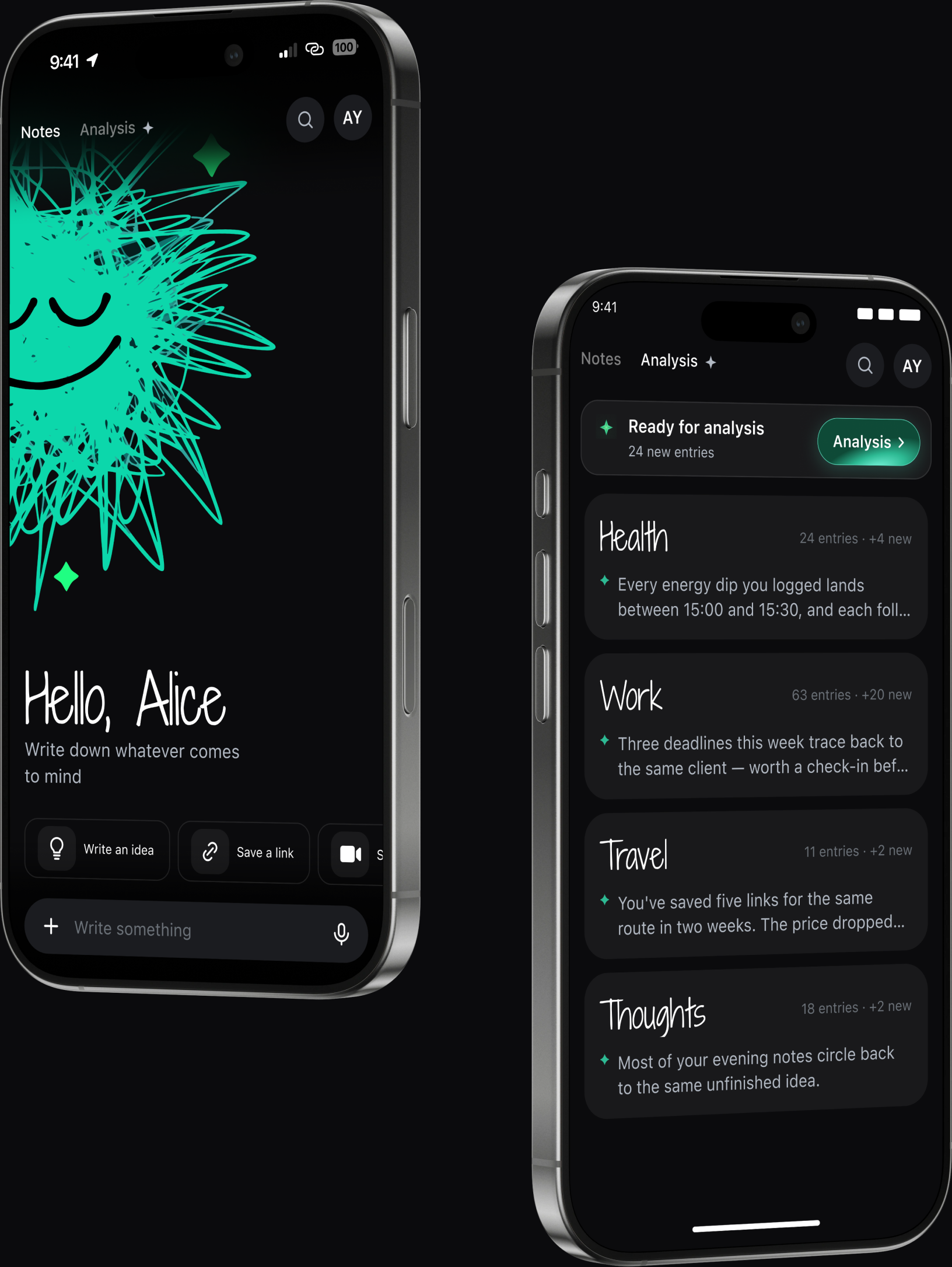
Evening, Sunday, whenever. Tap Analysis and Sage gathers everything by theme into threads — each with a summary and what it noticed across your entries.
Share sheet from any app — Sage is one tap away in Safari, Instagram, anywhere.
Hands on the wheel. Hold, talk, done.
Screenshots, whiteboards and documents you want to keep with a thought.
Half a sentence is enough.
Each thread brings related entries together and keeps the latest AI insight above its sources.
Your notes, threads and attachments save on your device and sync through your private iCloud account when available.
AI features send relevant content through our backend to Google's paid Gemini API. It isn't used to train models. Limited safety and legal retention can apply.
Capture processes saved notes and attachments automatically; you choose when to analyse your threads.
Cancel in the App Store, any time.
For eligible new subscribers. Renews monthly after the trial.
For eligible new subscribers. Renews yearly after the trial.
Both plans include full Sage access during the trial and while the subscription is active.
No Android version is planned. Sage is built for iPhone and iPad using the newest iOS capabilities.
Relevant entries and context are sent securely through our backend to Google's paid Gemini API. They are not used to train models. Limited safety and legal retention can apply; uploaded files expire after 48 hours. See the Privacy Policy for details.
You stay in control. Change the category from the feed or change the category on the entry.
Keep it short. Sage uses surrounding entries and the categories you've already built to give it context.
Your notes, attachments and threads are saved on your device and sync through your private iCloud account when available.
You can save notes offline. Queued AI processing requires a connection and resumes when the app can reach the service.
No folders, taxonomy or templates. Open the app and start writing.